AI that sees the whole picture.
Every work management tool has AI now. Most of them bolted a chatbot onto the sidebar. It can summarize a page or draft an email, but it can't look at your project plan and your design docs and your last three sprint conversations and tell you whether you're on track.
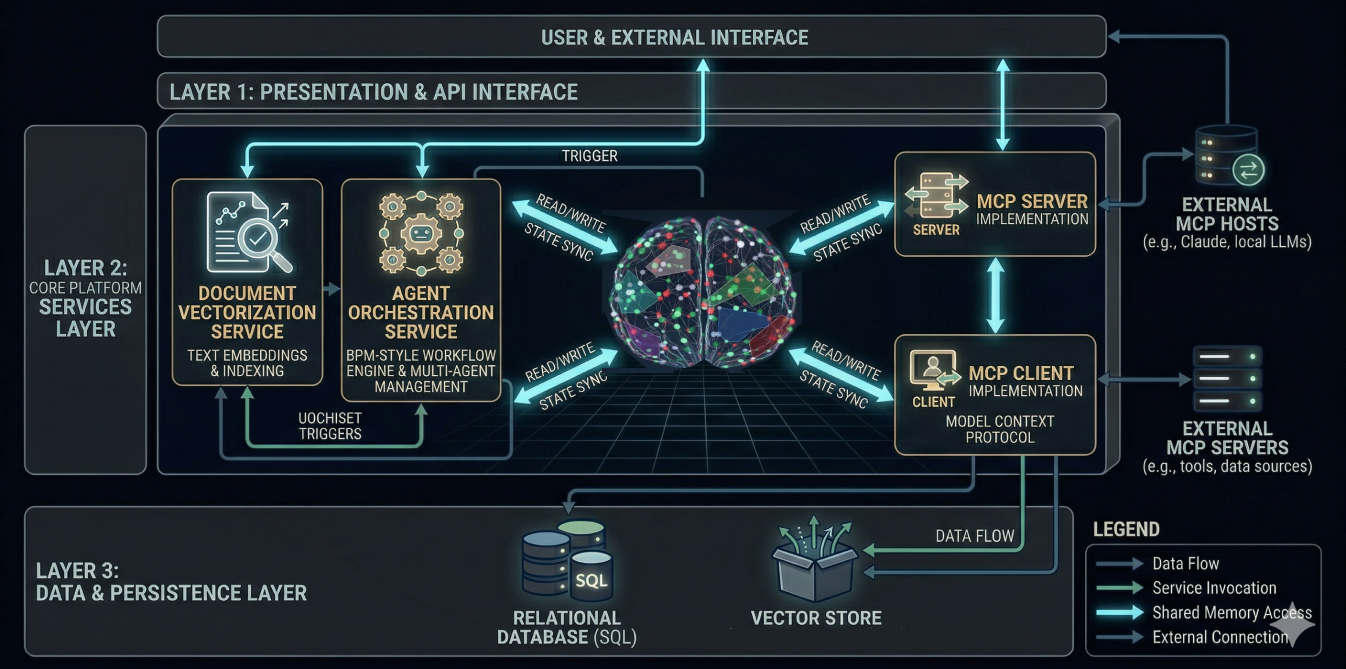
The PortableMind Knowledge Server can. Because it was built as the platform layer — not added after.
Persistent memory
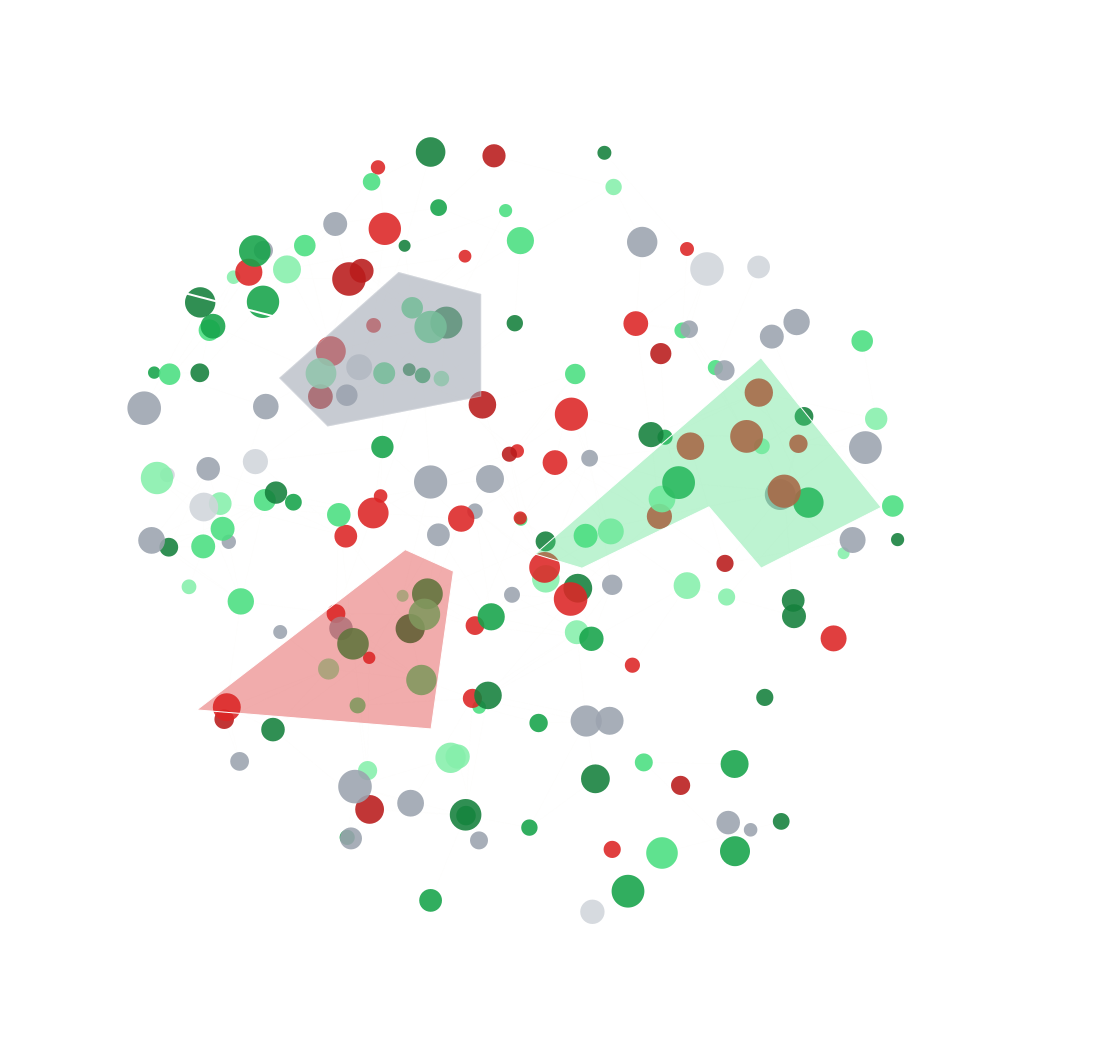
Your AI doesn't forget between sessions. Context accumulates as a shared team asset. What was decided last Tuesday is still known next month. The Knowledge Server even works while you sleep — discovering connections between concepts your team hasn't noticed yet.
Cross-module context
Select a task from a project plan. Point it at a document in the knowledge base. Ask the AI to evaluate one against the other. This isn't a party trick — it's how the modules were designed to work together.
Managed, auditable AI
Every AI action is tracked and attributable. Role-based security scopes what the AI can see — the same enterprise access controls that govern your team govern your AI. Leaders get visibility into how AI is participating without losing control.
Built for your coding agents
Everything in the Knowledge Server is available to your development agents via MCP. Your coding agent can read the project plan, update task status, search the knowledge base, and send a summary to your team — without leaving the terminal.
You don't create status reports. You work, then tell your agent: "summarize what we did today and send a note to everyone on the team." Done. "Capture the time we spent on the ticketing system." Captured and sent to accounting. The same platform your team uses through the UI, your agents use through APIs.
✓ Sent to #sprint-4 channel
✓ Updated task status × 3
Your pace, not ours
The Knowledge Server is infrastructure. It doesn't depend on any single foundation model. As AI capabilities evolve, the platform takes advantage of them — without requiring your team to relearn anything.
Security & trust
The Knowledge Server handles your team's context with the same rigor you'd expect from enterprise infrastructure.
Your data stays yours
We never train models on customer data. Your projects, conversations, and documents are yours — full stop.
Role-based AI access
The same RBAC that governs your team governs what the AI can see. Scoped by workspace, project, and role.
Full audit trail
Every AI action — every query, every summary, every status update — is logged, attributable, and reviewable.
Encryption everywhere
TLS for all connections. Encrypted storage for data at rest. Standard enterprise-grade infrastructure.
See it in action
The best way to understand the Knowledge Server is to use it.